
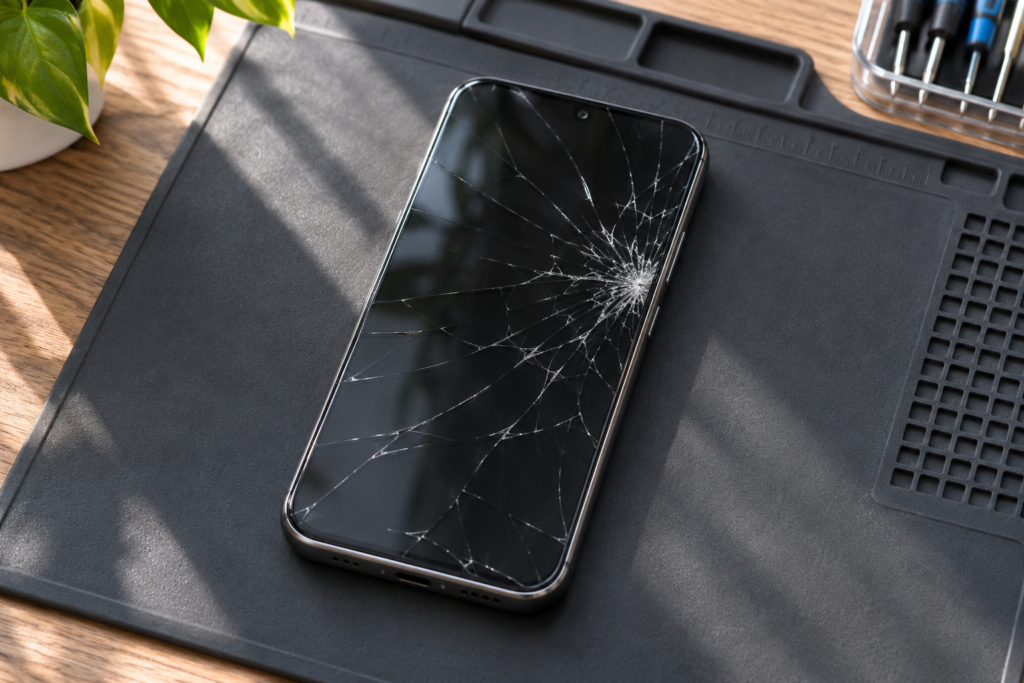
A cracked screen can still show a picture and respond to touch. Lines, spreading black spots, and taps you didn’t make can indicate damage beyond the outer glass. Here’s what those symptoms mean for your next step.
Start with a backup if the phone is safe to use
If the display and touch still work reliably, back up photos, messages, and other important data now. Verify the backup completed. A screen can become harder to use later, which may make it difficult to unlock the phone or approve a computer connection.
Check what still works
Look for dark patches, flicker, touch dead zones, or random taps. Make a note of whether calls, cameras, fingerprint unlock, or face unlock still work. These details help separate a display problem from other damage that happened during the same drop.
Put the phone down if it is unsafe
Avoid pressing on loose glass. If the phone is hot, bent, or separating at the seams, stop using and charging it. When you ask about a repair, give the exact model and mention any frame damage or liquid exposure. Those details can affect the parts and work needed.
Ask about the repair and the data
Ask whether the quoted work covers the display assembly, whether it includes post-repair testing, and what to do about your backup. For help in Southwest Houston, see screen replacement or contact Computer Plus Cellphone.