
Skip to navigation Skip to content
  • Blog
  • About Us
  • info@computerpluscellphone.com
Computer Plus Cellphone

Computer + Cellphone

Computer & Cellphone Repair in Houston

  • Home
  • About Us
  • Services
  • Shop
  • Blog
  • Contact Us

Call us

(713) 334-4800

Call us for inquiries

6965 Harwin Dr, Suite 151
Houston, TX 77036

Mon–Fri 11:00 AM–6:00 PM
Sat 12:00 PM–5:00 PM
Sun closed

Computer Plus Cellphone

Computer + Cellphone

Computer & Cellphone Repair in Houston

Call us

(713) 334-4800

Call us for inquiries

6965 Harwin Dr, Suite 151
Houston, TX 77036

Mon–Fri 11:00 AM–6:00 PM
Sat 12:00 PM–5:00 PM
Sun closed

  • Home
  • About Us
  • Services
  • Shop
  • Blog
  • Contact Us

Category: Tech Tips & Updates

Computer + Cellphone / Blog
iPhone, iPad, and MacBook displaying software update progress
14 Nov

November 2026 Apple update roundup: Check your iPhone, iPad, and Mac

Apple’s November 9 security release list includes updates for several iPhone, iPad, and Mac software versions. If you keep an older device, check what’s available for your model before assuming it needs replacement. What Apple released Apple lists iOS and iPadOS 27.2.1 and 26.7.3 on November 9, along with iOS 18.7.12 for the iPhone XS, […]
An article by Computer Plus Cellphone Posted in Tech Tips & Updates
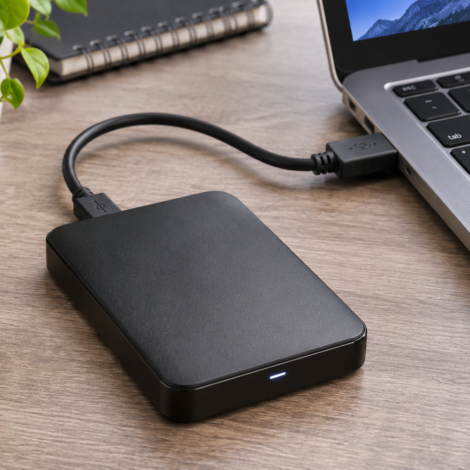
Portable external hard drive connected to a laptop by a USB cable
14 Nov

External hard drive not showing up? Protect your files first

If a USB drive disappears or your computer asks to initialize or format it, decide how much the files matter before trying repairs. A troubleshooting step that is fine for an empty drive can make recovery harder for a drive with irreplaceable data. Check the easy things if the drive sounds normal Connect the drive […]

An article by Computer Plus Cellphone Posted in Tech Tips & Updates
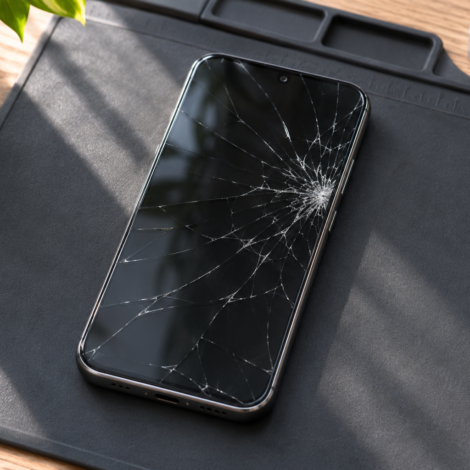
Smartphone with spiderweb cracks across its glass screen on a repair mat
14 Nov

Cracked phone screen: When to back up and when to stop using it

A cracked screen can still show a picture and respond to touch. Lines, spreading black spots, and taps you didn’t make can indicate damage beyond the outer glass. Here’s what those symptoms mean for your next step. Start with a backup if the phone is safe to use If the display and touch still work […]

An article by Computer Plus Cellphone Posted in Tech Tips & Updates
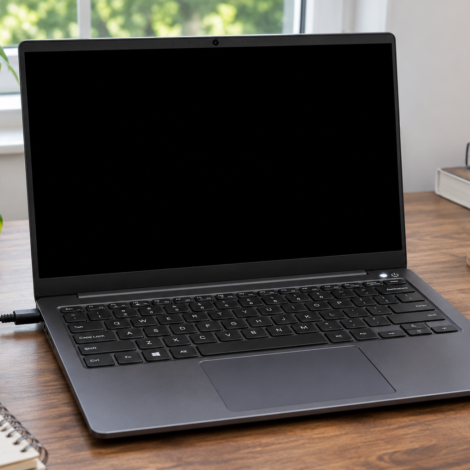
Open laptop with a black screen, power light on, and charger plugged in
14 Nov

Laptop won’t turn on? How to tell a power problem from a black screen

A laptop with no lights or fan noise needs different checks from a laptop that powers on but shows a blank display. Start by observing what changes when you press the power button. If there are no signs of power Test the wall outlet, then check that the original or a known compatible charger is […]

An article by Computer Plus Cellphone Posted in Tech Tips & Updates
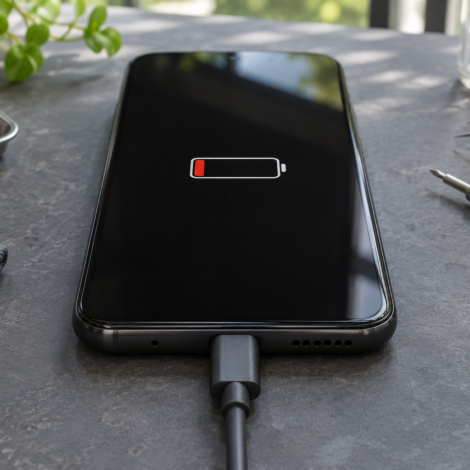
Smartphone plugged into a charging cable with a low battery icon on the screen
14 Nov

Phone won’t charge? What to check before replacing the battery

A cellphone that won’t charge can have a bad cable, an incompatible adapter, a loose charging port, or a worn battery. What the phone does when you plug it in can help narrow down the cause. Try one change at a time Try a working wall outlet and a compatible cable and wall charger known […]

An article by Computer Plus Cellphone Posted in Tech Tips & Updates
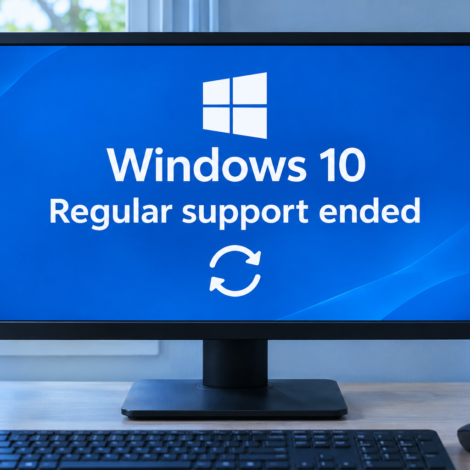
Desktop monitor showing that regular Windows 10 support has ended
14 Nov

Windows 10 support has ended: What to do with your PC in 2026

Microsoft ended regular support for Windows 10 on October 14, 2025. If your PC still runs Windows 10, check your update status and make a backup before deciding whether to upgrade, keep it temporarily, or replace it. Check what your PC is running Open Settings → System → About and check the Windows version and […]

An article by Computer Plus Cellphone Posted in Tech Tips & Updates

Recent Posts

  • November 2026 Apple update roundup: Check your iPhone, iPad, and Mac
  • External hard drive not showing up? Protect your files first
  • Cracked phone screen: When to back up and when to stop using it
  • Laptop won’t turn on? How to tell a power problem from a black screen
  • Phone won’t charge? What to check before replacing the battery

Archives

  • November 2026

Categories

  • Tech Tips & Updates
  • info@computerpluscellphone.com
Computer Plus Cellphone

Computer Plus Cellphone repairs desktops, laptops, and cellphones in Southwest Houston.

Address

  • 6965 Harwin Dr, Suite 151
    Houston, TX 77036
  • (713) 334-4800
  • info@computerpluscellphone.com

Working hours

  • Monday11:00 AM–6:00 PM
  • Tuesday11:00 AM–6:00 PM
  • Wednesday11:00 AM–6:00 PM
  • Thursday11:00 AM–6:00 PM
  • Friday11:00 AM–6:00 PM
  • Saturday12:00 PM–5:00 PM
  • SundayClosed
© 2026 Computer + Cellphone
Scroll to top