
If a USB drive disappears or your computer asks to initialize or format it, decide how much the files matter before trying repairs. A troubleshooting step that is fine for an empty drive can make recovery harder for a drive with irreplaceable data.
Check the easy things if the drive sounds normal
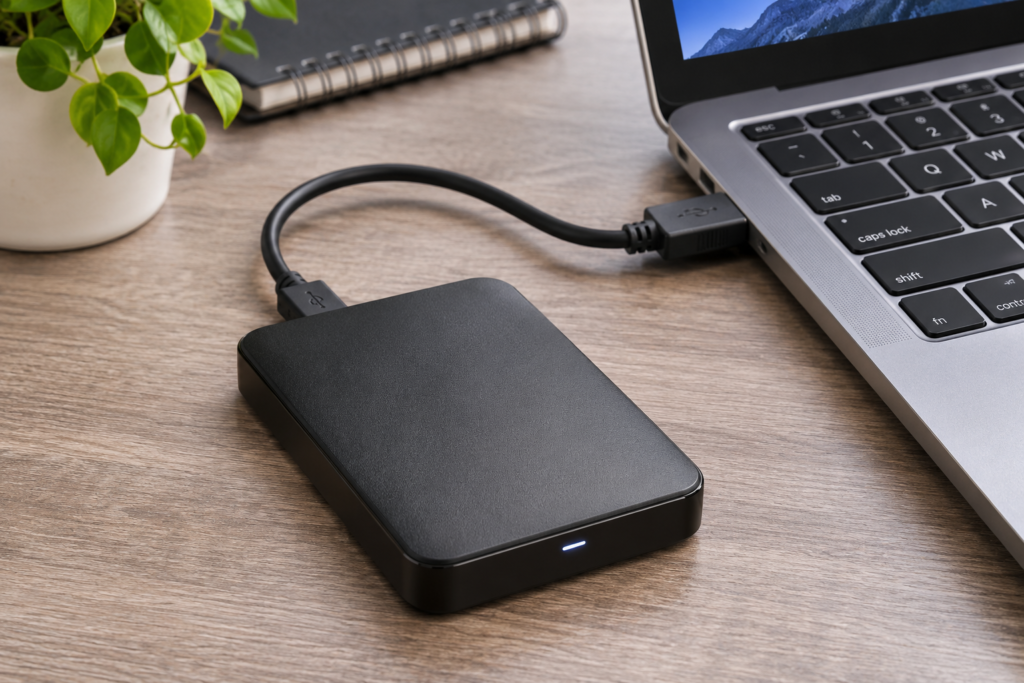
Connect the drive directly to the computer using a cable you know works. If the enclosure has a separate power adapter, confirm it is connected. Try one other compatible port or computer. Where possible, check whether the drive appears in Windows Disk Management or macOS Disk Utility without agreeing to format or initialize it.
Recognize a reason to stop
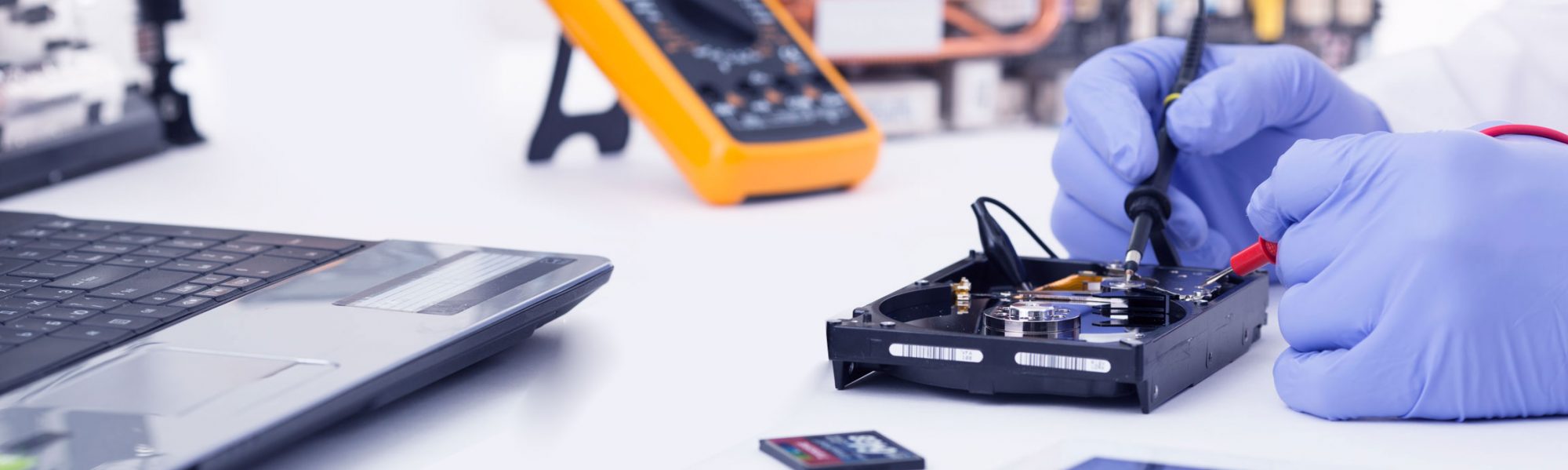
Clicking, grinding, or repeated disconnects can point to a more serious problem. Stop reconnecting it if the files are important. Avoid opening the enclosure or running write-based repair utilities on a drive you suspect is failing.
Keep any recovery copy on another drive
If the drive opens and behaves normally, copy the most important files first to a different drive. If it disconnects, makes unusual noises, or repeatedly fails to read, stop and decide whether you need an assessment. Do not save recovered files to the affected drive.
Tell the shop what happened
Record the exact error, whether there was a drop, and which folders matter most. Have any encryption recovery key available for your own use. Ask about data recovery options in Houston before approving a reset or format.