
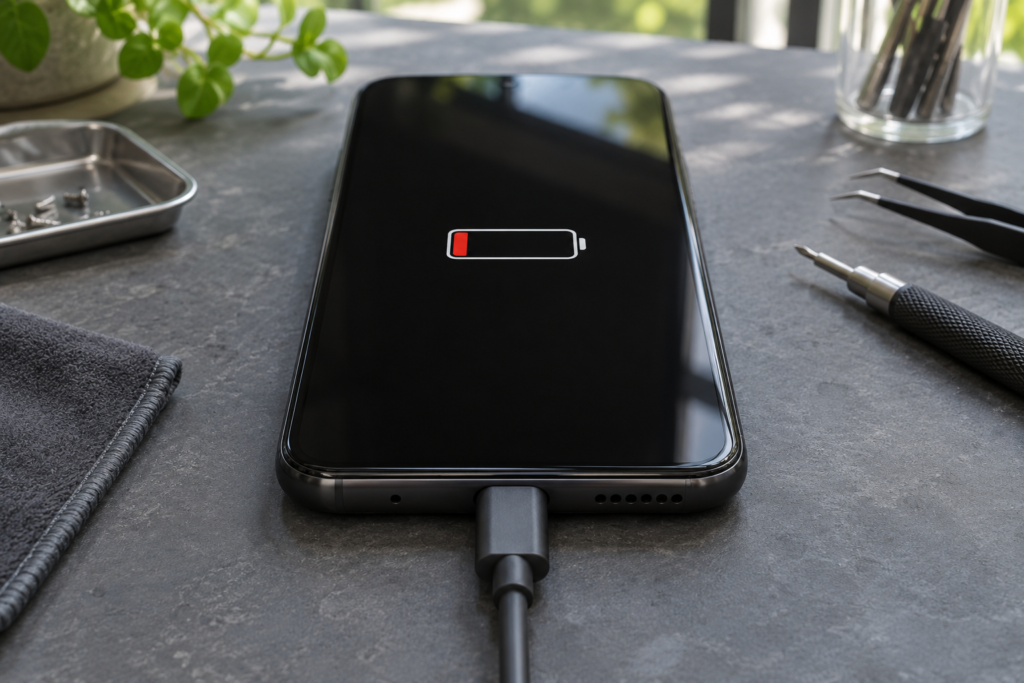
A cellphone that won’t charge can have a bad cable, an incompatible adapter, a loose charging port, or a worn battery. What the phone does when you plug it in can help narrow down the cause.
Try one change at a time
Try a working wall outlet and a compatible cable and wall charger known to work with another device. Change one item at a time so you can tell what made the difference. Give a deeply drained phone some time on a compatible charger before trying to turn it on.
Look for a pattern
If several compatible cables disconnect when the phone moves, note whether the connector feels loose. If the phone reaches a full charge but drains quickly or shuts off with charge still showing, battery wear may be involved. If the phone rings or vibrates but the display stays black, the screen may be the problem.
Stop charging if there is moisture or swelling
If an iPhone reports liquid in the connector, unplug it and follow Apple’s drying guidance. Avoid rice, heat, and putting objects in the port. If the phone is unusually hot or the case has started to separate, stop using and charging it and have it assessed.
What to bring to a Houston repair shop
Bring the phone, its cable and adapter, and the exact model if you know it. Mention any recent drop, spill, or earlier repair. If it works long enough, back up your files first. Ask Computer Plus Cellphone about battery testing and replacement or contact the shop about a charging issue.